
Expense Tracking
Know where
it went.
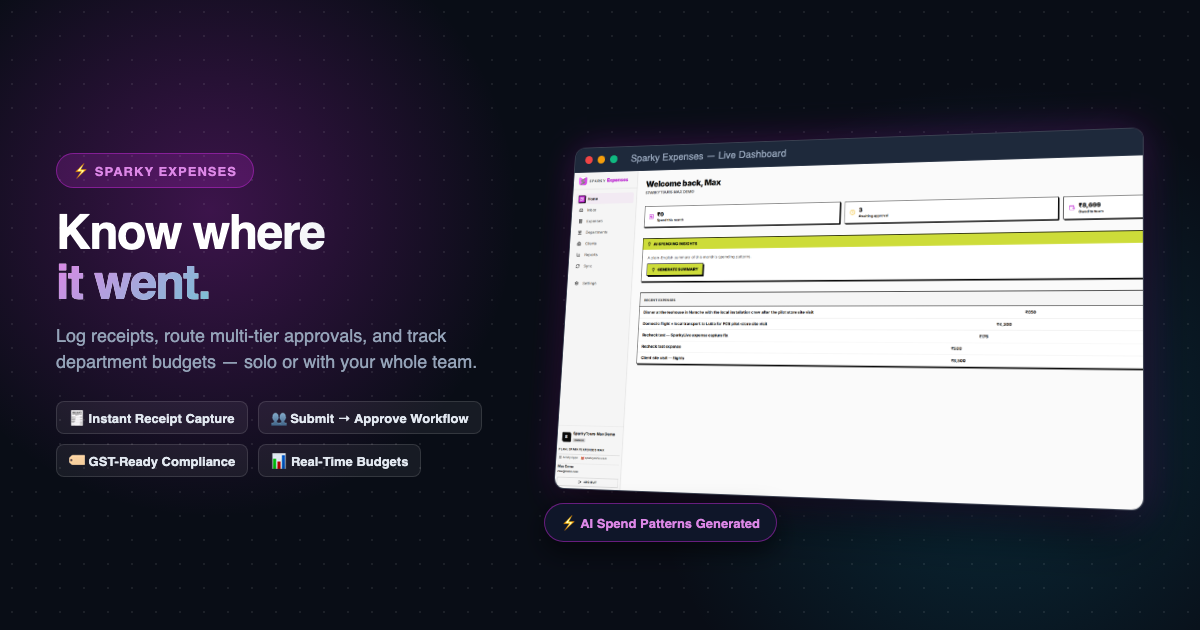
Sparky Expenses gives you one place to log, approve, and report on expenses — solo or as a full team, with receipts and cross-product billing built in.

From receipt to report — one flow, not six tools
01
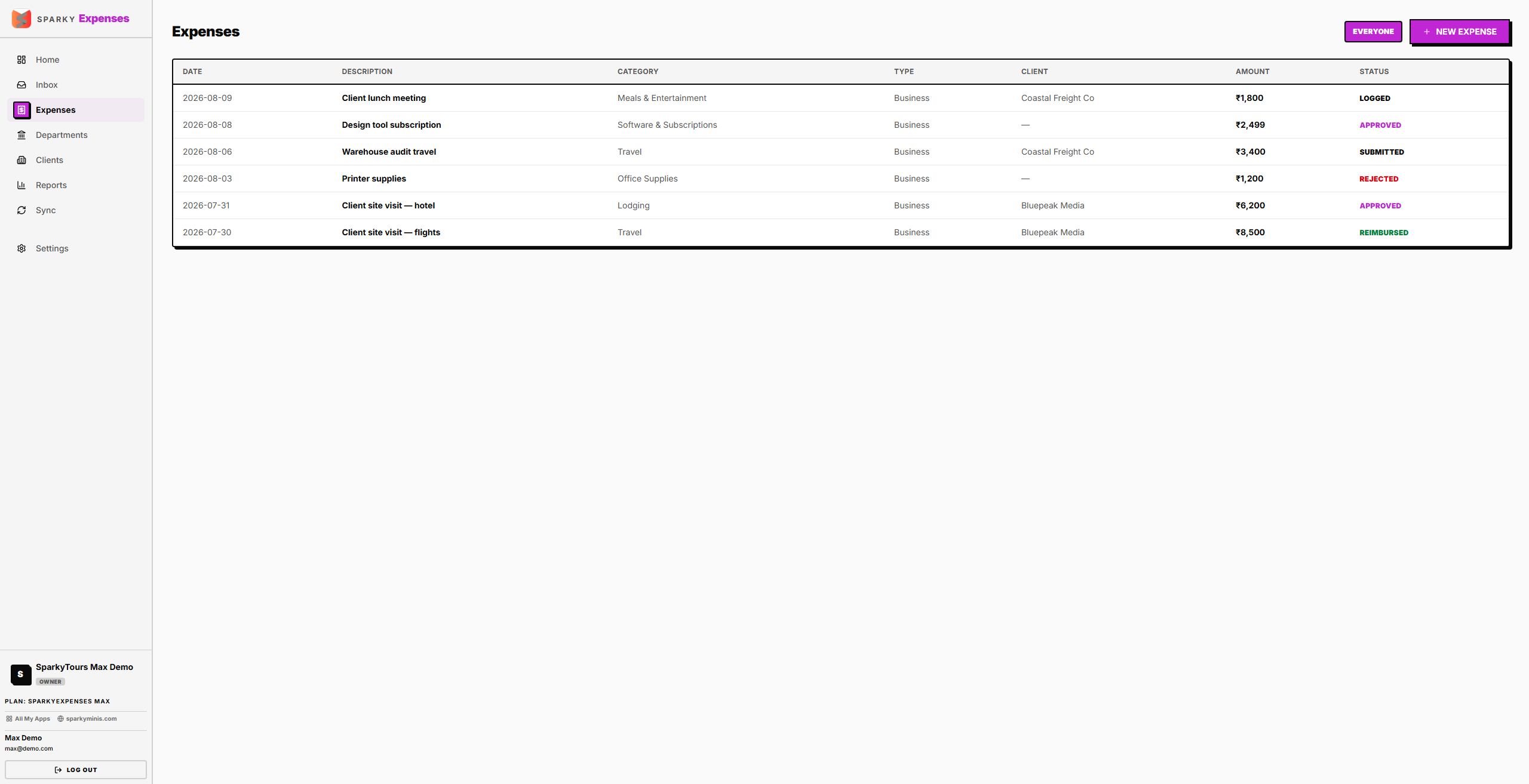
Log it, whoever you are
A solo user logs an expense once, done. A team submits one for approval. Same tool, same table — the workflow adapts to whether there's a manager to approve to.
02
Route it, track it
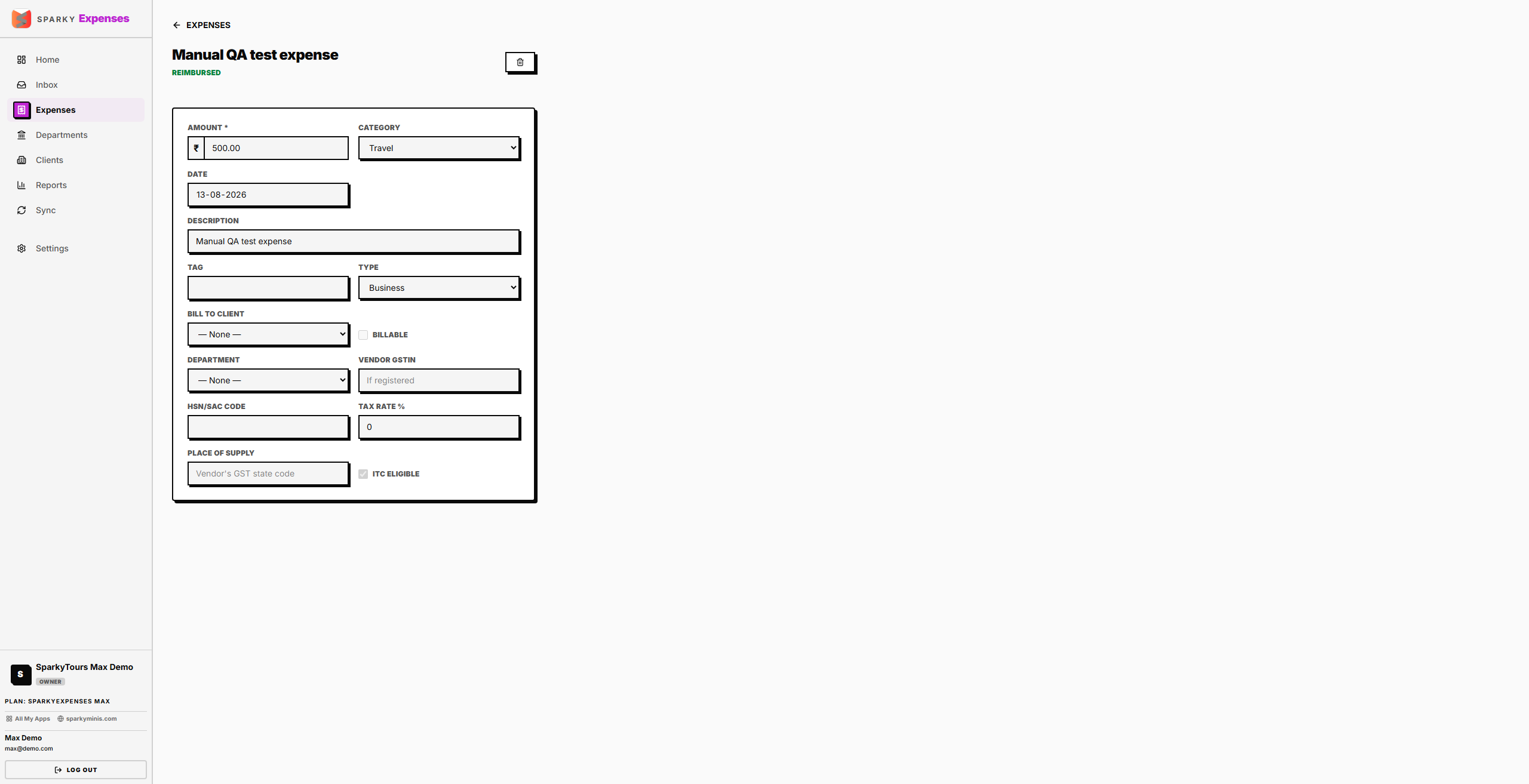
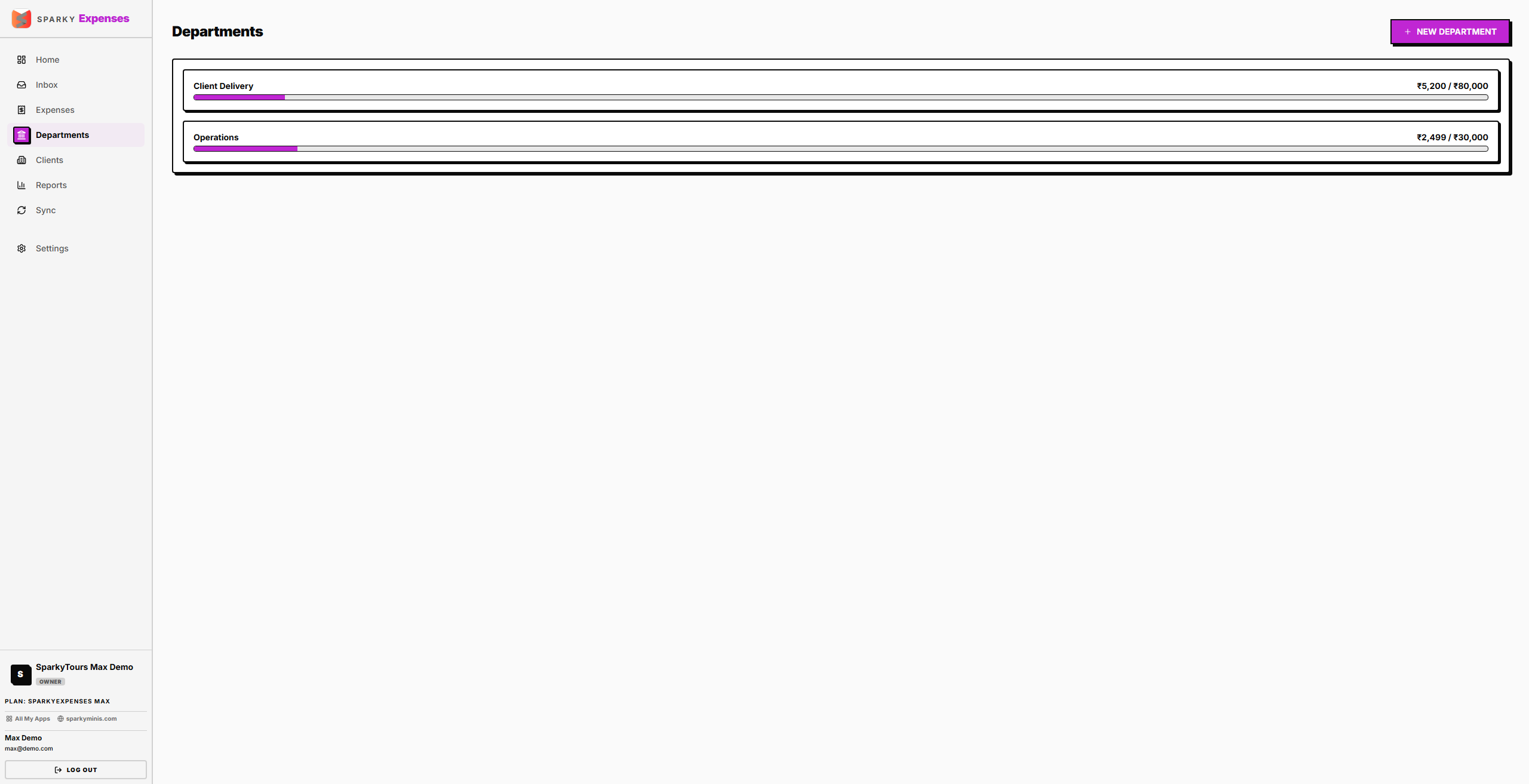
On Plus/Max, an expense moves from submitted to approved (or rejected, with a note) to reimbursed — grouped by department, against a monthly budget if you want one.
03
Bill it or report on it
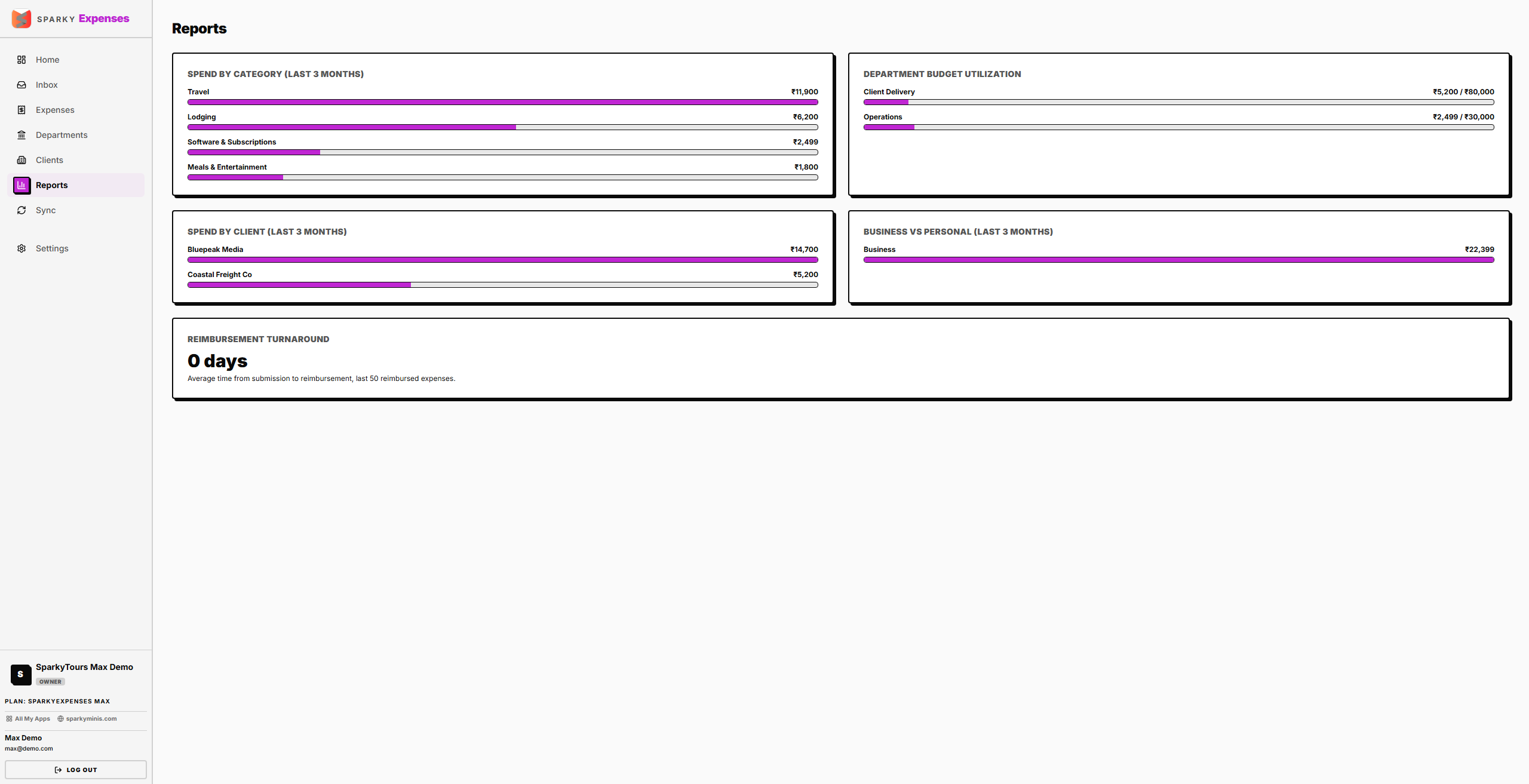
Tag an expense billable to a client and it flows straight into a Sparky Invoices invoice — no re-keying receipts. Reports show spend by category, department, and client.
...and everything else you'd expect
- Receipt attachments, 200MB–20GB by plan
- Department budgets with a monthly cap
- Sync clients from Sparky Contacts
- Multi-currency expenses, rolled up to your base currency
- Role-based access for your whole team
- One login across the whole Sparky suite