
Everything your agency needs
From first enquiry to final invoice — Sparky Expenses runs the whole trip.
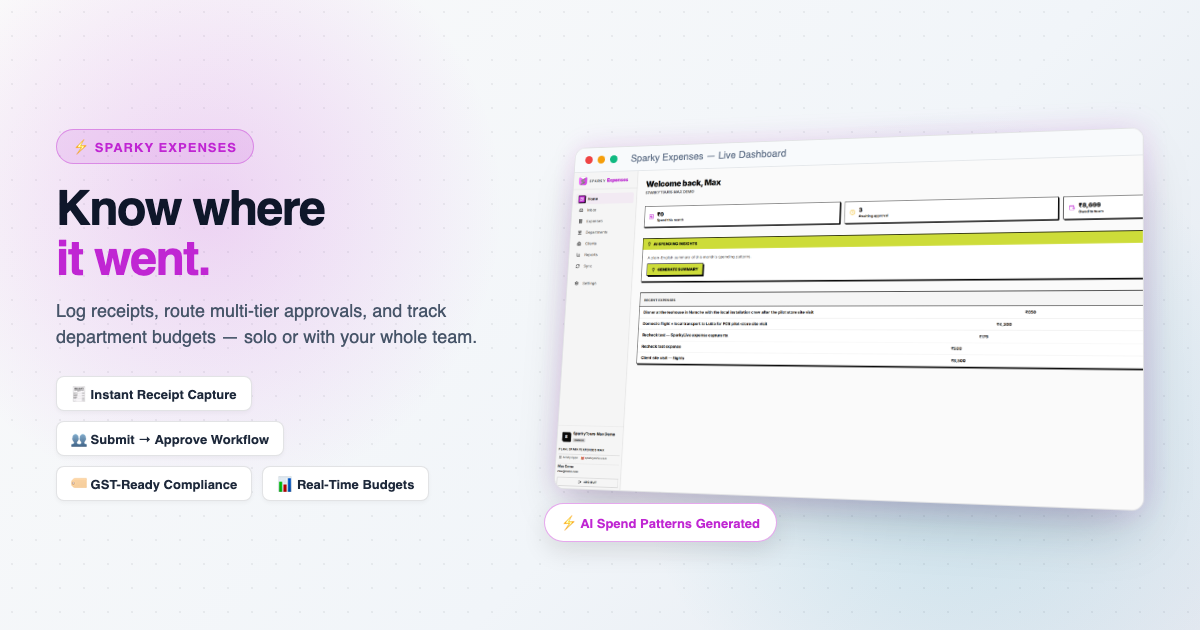
Expense Tracking
Expenses
Log an expense with category, amount, and an optional receipt — works for a solo Lite user just as well as a full team.
Learn more ›
The same table serves two personas by design: a solo user logs an expense once, done — a team submits, a manager approves or rejects, and it moves to reimbursed. No separate mode to configure, the workflow just adapts to whether there's anyone to approve to.
Approval Workflow
Submit → approve/reject → reimburse, with a rejection note when something needs fixing — Plus/Max.
Departments & Budgets
Group expenses by department with a monthly budget cap — Max.
Clients
Tag an expense as billable to a client — free on every plan, including solo Lite.
Receipt Storage
Attach a receipt to any expense, capped by plan (200MB Lite, up to 20GB on Max).
AI
AI Spending Insights
A plain-English summary of this month's spending patterns and how they compare to last month — Plus/Max.
SparkyIQ
A conversational assistant that can answer questions about your own data — coming soon.
Platform
Sync & Cross-Product Billing
Pull a baseline of clients from Sparky Contacts, and any billable expense flows straight into Sparky Invoices as a ready-made line item — Plus/Max.
Learn more ›
A billable expense pulled into an invoice is marked billed at the source the moment it lands, so it can never be billed twice.
Reports
Spend by category, department, and client — Max.
Team & Roles
Invite teammates and assign roles — Plus/Max (Lite is solo, one seat).
Inbox
Every conversation — contact and support forms — arrives as a ticket you can reply to, right inside the app.
Multi-Currency
Log expenses in whatever currency they were spent in — reports still roll everything up to your organization's base currency.