
Docs
Departments
Set monthly budgets per team or department and track spend against them. Available on the Max plan.
How to view departments
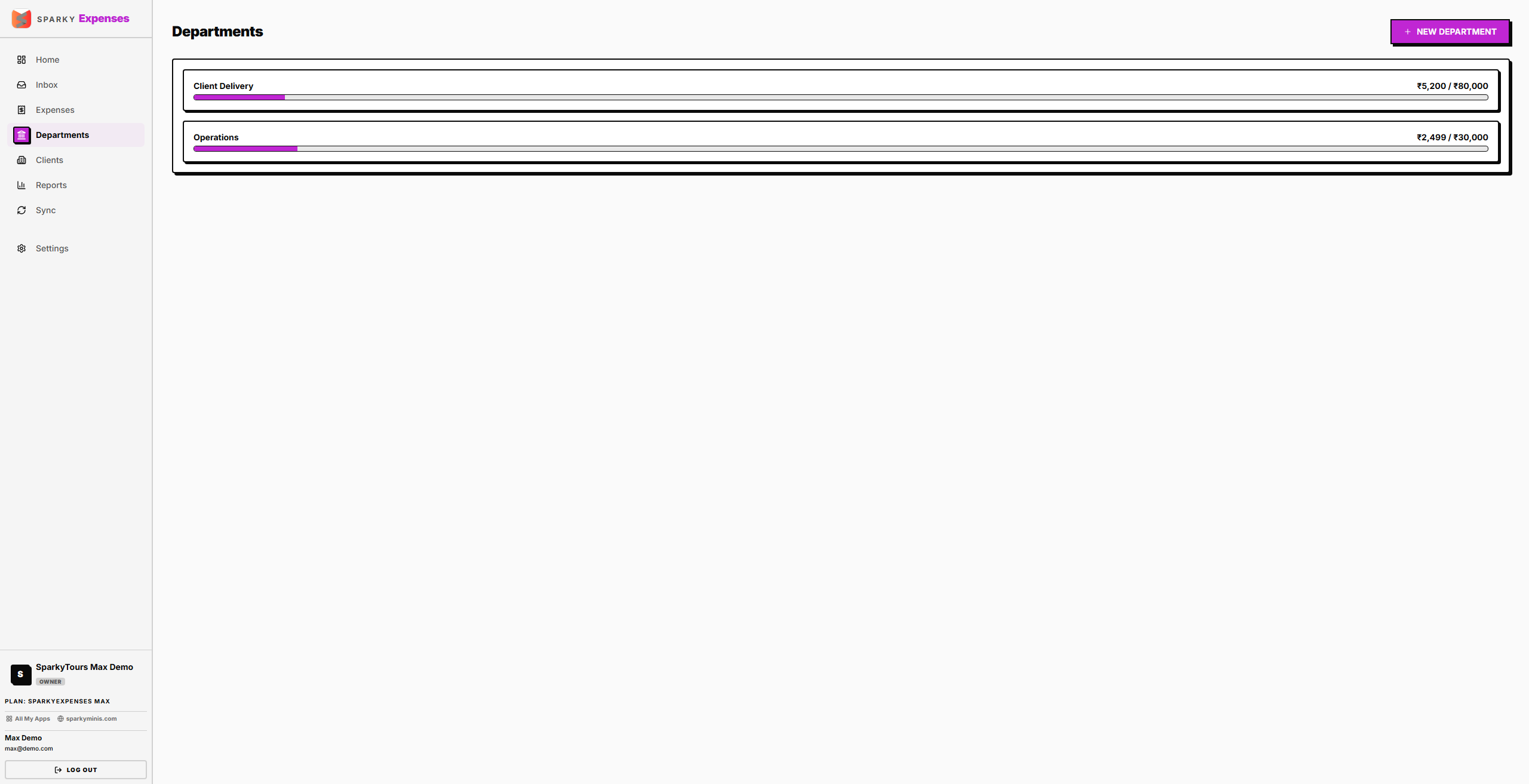
Open Departments from the sidebar. You'll see every department with its monthly budget and how much has been spent so far this month.
How to create a department
Click "New Department": name (required), currency, and an optional monthly budget.
How to view a department's spending
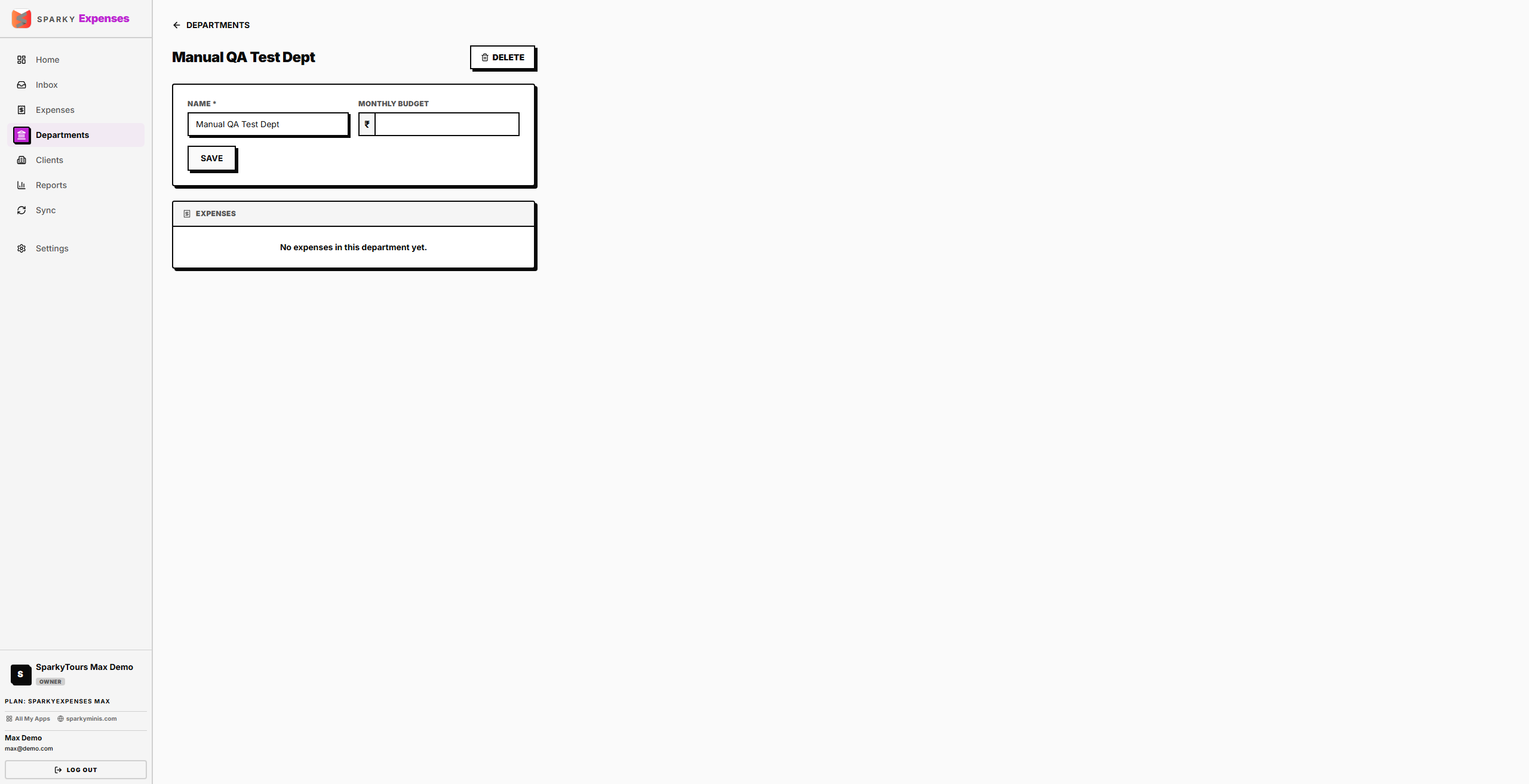
Open a department to see this month's spend, its budget, and every expense logged against it.
How to edit or delete a department
Update a department's name, currency, or budget from its detail page. Deleting a department (after confirming — "Its expenses will be unassigned, not deleted") un-assigns it from any expenses that had it before removing the department itself.